从Python中可以调用MATLAB脚本和自定义函数对应的M文件。首先将M文件添加到Python路径,如下面将D盘下的M文件sph.m添加到Python路径。[大谦MATLAB,dqmatlab点com]
code.python
import sys
sys.path.append('d:\sph.m')
将M文件添加到路径后就可以用MATLAB引擎引用文件名或文件中的主函数名称进行工作。
本例演示如何在Python中调用MATLAB脚本来绘一个球面。在MATLAB编辑器中创建一个名为sph.m的MATLAB脚本文件。
code.python
sphere
shading interp
axis equal
添加文件到Python路径,启动Python并调用脚本。
code.python
>>> import matlab.engine
>>> eng=matlab.engine.start_matlab()
>>> eng.sph(nargout=0)
生成球面如图1-1所示。
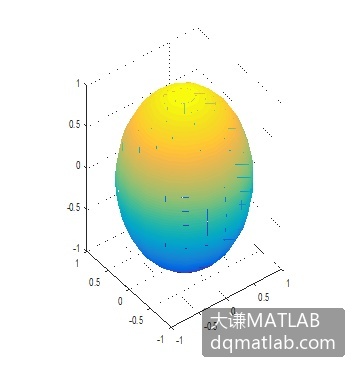
图1-1 球面
在MATLAB编辑器中新建下面的函数:
code.python
function drawsur(surface)
    switch surface
      case 1
        sphere
      case 2
        cylinder
    end
    shading interp
    axis equal
保存文件为drawsur.m,将它添加到Python路径。启动Python并调用函数。
code.python
>>> eng.drawsur(2,nargout=0)生成柱面如图1-2所示。
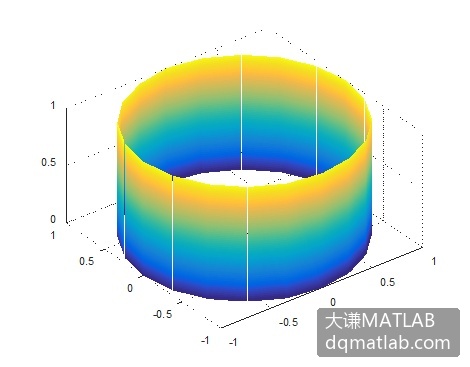
图1-2 柱面